
Every receipt, accounted for. Matched to the bank line it paid.
Upload your bank statements and your receipts. ByReceipt checks each statement, puts its lines in a review queue, links every receipt to the line that paid it and builds the reports your accountant asks for.
check_circleStatements are read by fixed rules, line by line — you approve before anything enters your books.
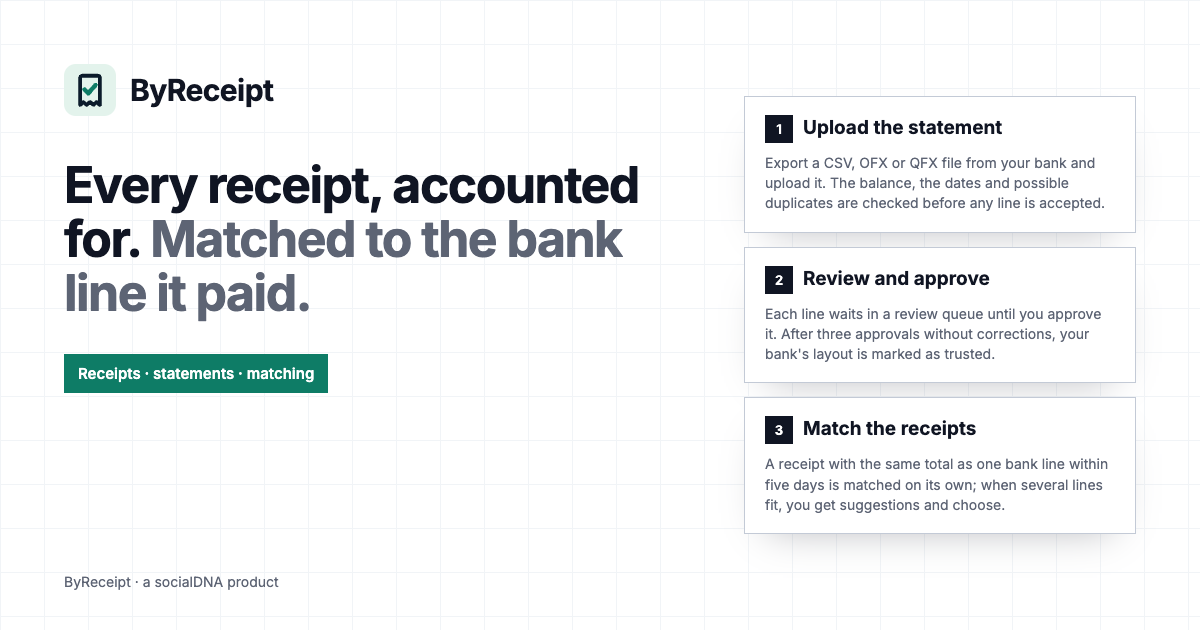
From statement to report in three steps
Upload the statement
Export a CSV, OFX or QFX file from your bank and upload it. The balance, the dates and possible duplicates are checked before any line is accepted.
Review and approve
Each line waits in a review queue until you approve it. After three approvals without corrections, your bank's layout is marked as trusted.
Match the receipts
A receipt with the same total as one bank line within five days is matched on its own; when several lines fit, you get suggestions and choose.
What ByReceipt does today
Bank statements
CSV, OFX and QFX files, read by fixed rules. Every statement keeps its file, its lines and what was approved.
A review queue
Nothing enters your ledger without approval. You approve, correct or reject each line; a rejection sends a trusted layout back to learning.
Receipts filed
Each receipt is kept once, with its vendor, date and total, in the books of the person, family or company it belongs to.
Receipt ↔ bank line
Automatic match on the same total within five days, suggestions when more than one line fits, and manual matching at any time.
Reports for your accountant
A Schedule C suggestion and an expense report, both downloadable as CSV, plus money flows, the month statement and receivables.
Roles that protect the numbers
Owner, admin, accountant, employee and client. An employee sends receipts but never sees bank amounts, balances or card digits.
Who uses ByReceipt
The small business owner
Uploads the month's statements, approves the lines and sees which payments still have no receipt before the accountant asks.
The accountant
Gets the accountant role: statements, matching and reports, and downloads the Schedule C suggestion and the expense report as CSV.
The team that spends
Each employee sends the receipts of what they bought and sees only their own receipts — never the company's bank.
Start with a free trial
Use ByReceipt free for 14 days. Paid plans are not open yet; nothing is charged during the trial.
Questions
Which bank files does ByReceipt read?
CSV, OFX and QFX statements, the files most banks let you download. They are read by fixed rules, not guessed. PDF statements are not read yet.
Does ByReceipt connect to my bank?
No. You download the statement from your bank and upload it. ByReceipt never asks for your bank password.
How is a receipt matched to a payment?
By the same total, within five days of the receipt date. If exactly one bank line fits, the match is made; if several fit, you see suggestions and pick one. You can also match by hand.
Does ByReceipt do my taxes?
No. It gives your accountant a Schedule C suggestion and an expense report as CSV. The decisions and the filing stay with you and your accountant.
Who sees what?
Each person gets a role. The accountant sees statements, matching and reports; an employee sees only their own receipts; a client sees only what you bill them.
Can I take my data with me?
Yes. The reports download as CSV, and the full account export is available to the owner after a face check of their socialDNA ID.
Close the month knowing what each payment was
Upload one statement and see the review queue for yourself.
Start your 14-day free trial